
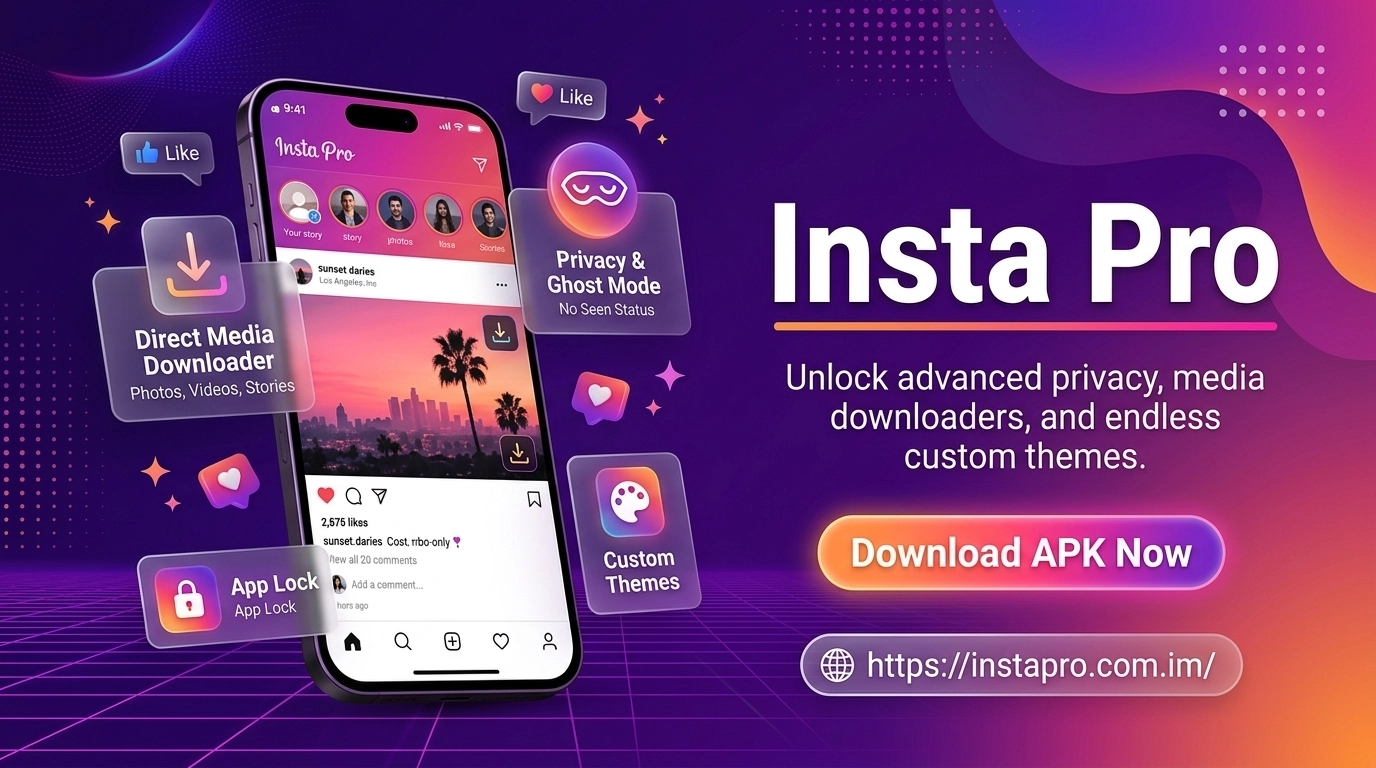
Insta Pro APK Download
Insta Pro is a modified version of Instagram that offers extra features beyond the official app. Explore photo and video sharing, privacy options, and customization features with Insta Pro APK for Android.

Insta Pro
Insta Pro is for people who want a few extra options while using Instagram. Some users like saving photos and videos to their phones. Others prefer changing the app’s look or having more control over certain privacy settings. These are some of the reasons people search for this modified version.
But keep this in mind before installing it. Insta Pro APK is not the official Instagram app. Its features can change from one release to another, and downloading it from an unknown website can put your account or personal information at risk. Here, we’ll take a closer look at what the app offers, how to install it, and what you should check before using it.
What Is Insta Pro 2 APK?
Sometimes you find a photo on Instagram and want to save it. But the app doesn’t offer a download button for every post. That’s why some users look for Insta Pro 2. Insta Pro 2 APK is a modified version of Instagram. It offers some extra features. These may include media downloads, custom themes, and additional privacy options. Features can vary between versions. However, this app isn’t an official Meta product. Its security isn’t guaranteed. Updates may also be irregular. Always check the source before downloading the APK. Be careful with the permissions it requests.
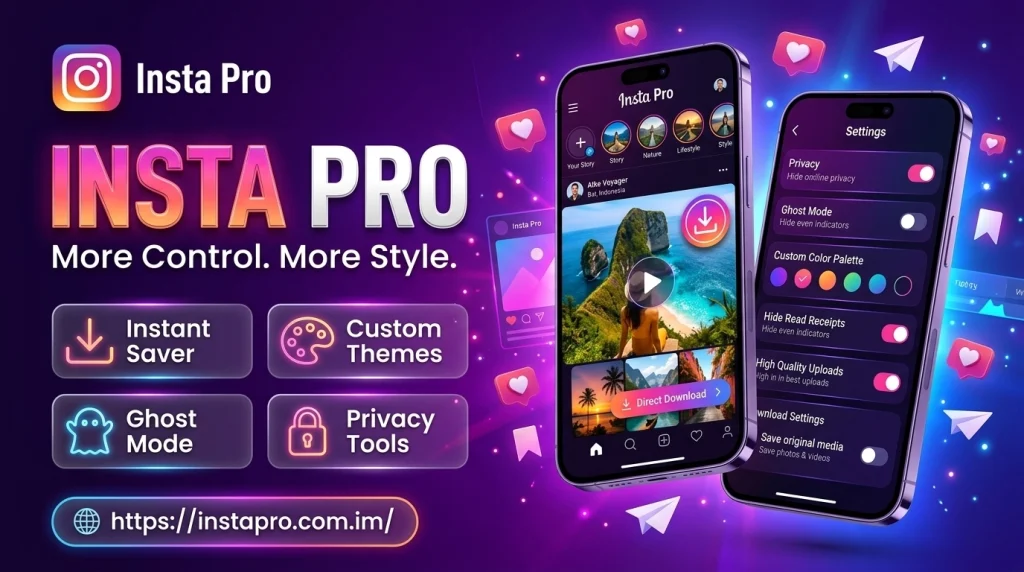
Features
Here are the different features of this awesome app.
Download Photos
Some versions of Insta Pro 2 app offer a download option for photos. The image can then be found in your gallery. Just remember that saving a picture doesn’t permit you to repost it.
Download Videos
Instagram videos are easy to come across while scrolling. Sometimes, you want to watch one again later. Certain versions of Insta Pro let you save videos to your device.
Save Instagram Stories
Ever seen a Story you wanted to keep? It could be a friend’s travel photo or a recipe worth trying. Some versions of the Insta Pro app offer a Story-saving option. You can keep certain Stories on your phone. Just make sure you respect the person who shared them.
Change Themes
Insta Pro mode APK may offer themes and colour options to change the interface. The choices depend on the version. Some themes might not work as expected.
Custom App Icons
Some people like changing the look of their phone from time to time. The same app icon can get boring. This APK app may offer different icons to choose from.
Hide Online Status
Sometimes you just want to scroll through Instagram without chatting. You might not want others to know you’re online, either. Some versions of Insta Pro mod offer a setting to hide your activity status. It can be useful, but it may not work in every version.
Hide Typing Status
Some versions of the Insta Pro 2 APK download offer an option to hide typing indicators. This gives you a little more privacy during chats. The feature may not work in every version.
View Profile Pictures
Ever tried to see someone’s profile picture more clearly? Instagram keeps these pictures quite small. Some versions of the Insta Pro download APK let you view profile photos in a larger size. This makes the details easier to see.
Translate Captions
Ever opened a post in another language? Sometimes, the caption is hard to understand. Some versions of Insta Pro app may offer extra text options. You can also use a translation app. This helps you understand posts from creators around the world.
Copy Bio Text
Found a quote you like in someone’s bio? You might want to save it. Some versions of Insta Pro APK download the latest version let you copy profile text. You can keep it in your notes for later. This option may not be available in every version.
Zoom In on Photos
Ever noticed a small detail in a picture but couldn’t see it clearly? Some versions of Insta Pro download offer extra zoom options. This feature lets you take a closer look at the picture. In this way, you do not miss any detail.
Control Animations
Not everyone likes the little movements and effects inside an app. They can feel distracting, especially on an older phone. Some versions of Insta Pro APK may include settings to adjust animations. The choices aren’t the same in every release, but they can help you change how the app feels.
Notification Control
Some versions of this app offer extra ways to manage alerts. The options may be limited, though. You can still use your phone settings to silence notifications when needed.
Watch Instagram Reels
It can support Reels in compatible versions. Some extra options may be available, but they depend on the release you’re using.
More Privacy Choices
Not everyone feels comfortable sharing their activity online. Some versions of Insta Pro offer additional settings for controlling what others can see. These may include options related to activity indicators. Keep your expectations realistic, though. A modified app cannot promise complete privacy or protect every account detail.
How to Install Insta Pro 2 on Android?
Have the APK file ready. Now it’s time to install it. The steps are simple, but your phone may show a security warning.
Sometimes, the APK won’t install on the first try. It may be incomplete or unsupported by your phone. Check your available storage, too. Don’t download the same file from several random websites. An unofficial APK can carry security risks.
How to Use Insta Pro on PC?
Using Insta Pro login on a laptop isn’t as simple as opening a normal Windows app. Since it’s made for Android phones, you’ll need an emulator to run it on your computer. BlueStacks is one option you can try—open BlueStacks on your PC. Find the APK file. Click it to start the installation. Follow the steps on your screen. Once installed, try opening the app.
Having trouble? The APK may not install. The app might crash, too. Your emulator may not support that version. This usually depends on the APK version and whether your emulator supports it. Be careful with unofficial files, too, especially if a website asks for your Instagram password. And honestly, if you only want to browse posts or watch Reels on your laptop, using Instagram’s website is much easier.
Is Insta Pro mod version Safe to use?
Before installing Insta Pro modified version, think about your safety. It isn’t an official Instagram app. Third-party developers make modified versions. Their security can vary. The APK file is one concern. Files from unknown websites may contain malware. This can put your phone and personal data at risk. Some versions may also request unnecessary permissions. Your Instagram account could face problems, too. Unofficial apps may put your account at risk of restrictions. You also don’t know how your login details are handled. Extra privacy options don’t guarantee full protection.
A few simple precautions can help:
Insta Pro Latest Version and Updates
Searching for a newer version of Insta Pro APK? You might find several APK files online. It can be hard to tell which one is reliable. Instagram doesn’t release this modified app, so there’s no official Instagram update for it. Check the file details before installing anything.
What’s New in the Latest Version?
Wondering if an update is worth installing? It depends on the release. One version might fix a bug. Another could change a few features or the app’s appearance. Some updates bring very little change at all. Check what’s included before replacing the version that already works on your phone.
How to Update Insta Pro?
Updating Insta Pro takes a little more care than updating a regular app. You usually need to install a newer APK yourself.
- Open the app and check its version.
- Look for details about a newer release.
- Check that it works with your Android phone.
- Make sure the source is trustworthy.
- Open the APK and follow the instructions.
- Launch the app to check that it works.
The app acting strangely after an update? Don’t download another APK straight away. The new version might not suit your phone. Remove any suspicious files and avoid trying random versions. If you don’t trust the app, switching back to official Instagram is a safer choice.
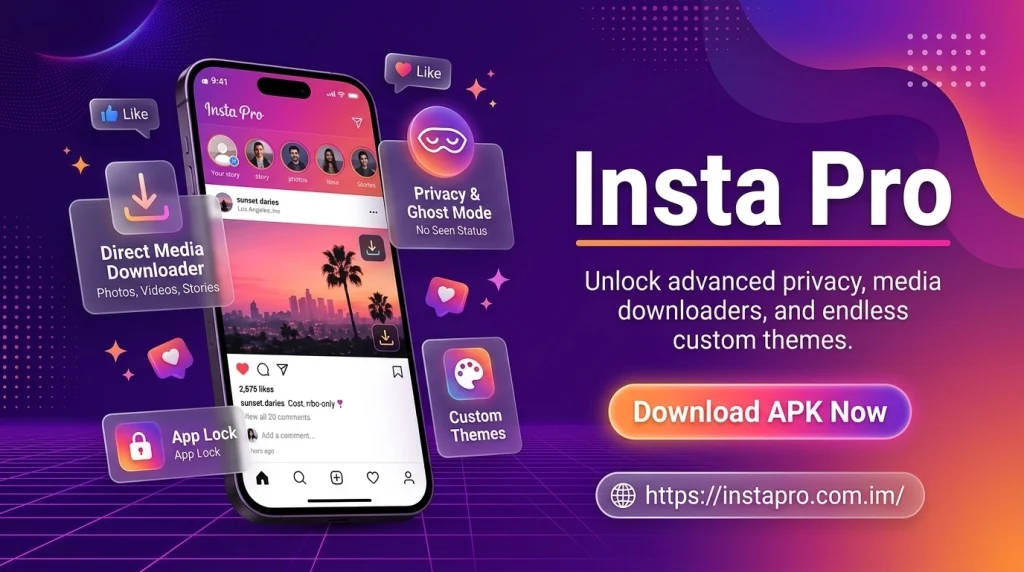
Advantages and Disadvantages of Insta Pro
Insta Pro has a few features that some Instagram users may find useful. You can get extra options for saving media and changing the app’s appearance. But there are downsides, too. It’s an unofficial app, and its safety isn’t guaranteed.
Advantages
Disadvantages
Best Insta Pro Alternatives
Not happy with Insta Pro? You don’t have to stick with it. There are other apps worth trying. Some offer a simpler experience. Others give you different ways to connect with people.
The original app may be all you need. You can share photos, watch Reels, and message friends. Meta provides regular updates. You don’t need to search for APK files. However, some extra features found in Insta Pro aren’t available here.
Honista
Honista offers another way to explore Instagram-style features. Some versions include extra settings and customization options. The layout may feel familiar. But there’s a catch. It’s not developed by Meta. Be careful when downloading it, especially if a website asks for your login details.
AeroInsta
AeroInsta is another modified Instagram app. People often look for it to get extra options. The available features depend on the version. Some releases may not work properly. It’s also unofficial. Think carefully before installing its APK on your phone.
Instagram Lite
Does your phone have limited storage? Instagram Lite could be a better fit. It takes up less space than the full app. Some features are missing, though. You still get the basics for browsing and staying in touch. It’s also an official app from Meta.
Threads
Threads is different from the other apps on this list. It’s built around conversations. You can share your thoughts, reply to posts, and follow interesting topics. It’s made by Meta. If you enjoy discussions more than scrolling through photos, give it a try.
Summary
Looking for more than what Instagram normally offers? Insta Pro APK has some extra tools. These may include saving media, changing themes, and adjusting privacy settings. The options depend on the version. Android users can install it through an APK file. On a computer, an emulator may be needed. But keep one thing in mind: Meta doesn’t develop the app. Its safety is uncertain, especially when the file comes from an unknown website. Before giving it a try, consider the downsides. A few extra tools might not make much difference to your daily use. The original Instagram app is still a more reliable option for sharing posts, watching Reels, and chatting.
FAQS
What is Insta Pro APK?
Insta Pro is a modified version of Instagram. It offers some extra features.
Can I use Insta Pro APK on Android?
Yes, you can install it using an APK file. Your phone must support it.
Can I use Insta Pro app on PC?
Yes, you can try it with an Android emulator. It may not work on every PC.
Is Insta Pro 2 APK an official app?
No, Meta doesn’t develop it. Third-party developers make it.
Can I save photos and videos?
Some versions let you download media. The options may vary.
Is Insta Pro 2 app safe?
Its safety isn’t guaranteed. Unknown APK files may contain malware.
Can I update Insta Pro from the Play Store?
Usually, no. Updates often require a separate APK file.
Can Insta Pro affect my account?
Yes, there’s a risk. Unofficial apps may cause security issues or account restrictions.
Is Insta Pro better than Instagram?
It offers extra options. However, the official app is generally safer.
Does Insta Pro work on every Android phone?
No, it depends on your device and Android version. Some releases may fail to install.