
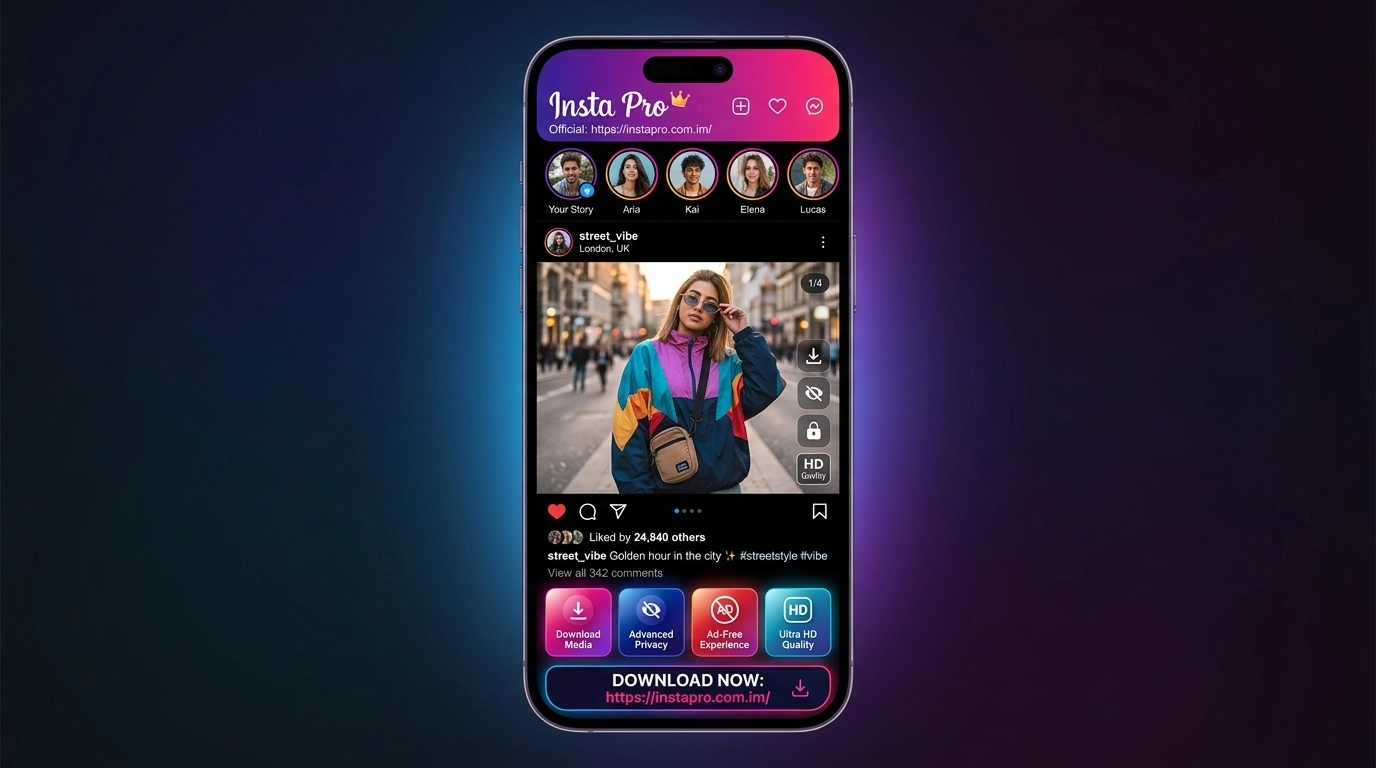
| Feature | Information |
|---|---|
| App Name | Insta Pro |
| App Category | Social Media |
| Main Purpose | Photo aur video sharing |
| Customization | Themes aur interface customization |
| Privacy Features | Kuch versions mein additional privacy options |
| Media Download | Kuch versions mein photos aur videos download karne ke options |
| Availability | Third-party sources par mukhtalif versions mein available |
Insta Pro APK Download
Instagram has become one of the most popular social media platforms worldwide. Millions of people use it to share photos, watch reels, post stories, and connect with friends. However, some users want more features than the official Instagram application provides. This interest has increased searches for Insta Pro APK download.
Insta Pro APK usually refers to downloading an unofficial, modified version of Instagram for Android devices. Some versions advertise extra features, such as media downloads, customization options, and additional privacy controls. These features may attract users who want more flexibility.
However, users should understand the risks before installing any modified application. Different versions may offer different features. Unofficial files may also contain harmful software or create privacy problems.
In this guide, we will explain the main features, potential benefits, installation considerations, security risks, and safer alternatives. This information will help you make an informed decision.
What Is Insta Pro APK Download?
Insta Pro download refers to obtaining an Android installation package for an application known as Insta Pro. Independent developers modify Instagram to add features that may not appear in the official application.
These versions may offer extra tools for saving media, changing the interface, or adjusting certain privacy settings. However, features vary between releases, and some may not work as expected.
Unlike the official Instagram application, modified versions do not receive the same direct support from Instagram. Their security and reliability depend on the developer and the source of the installation file.
Why Do Users Search for Insta Pro APK?
Many users want a more flexible social media experience. They may want extra customization options or convenient ways to manage media.
Common reasons include:
- Exploring additional privacy settings.
- Looking for photo and video download options.
- Customizing the application interface.
- Learning about modified Instagram features.
- Comparing unofficial applications with the official app.
Before downloading anything, check its source and understand the possible security risks.
Main Features of Insta Pro APK Download
One reason Insta APK download attracts attention is the promise of additional features. Some modified versions aim to provide more control over the Instagram experience.
However, not every version includes the same tools. Features may also stop working when Instagram updates its systems.
1. Photo Download Options
Some versions advertise tools that allow users to save Instagram photos to their devices.
This feature may help users keep copies of their own content or access permitted media later. It can also reduce the need to use separate download websites.
Always respect copyright and privacy. Ask for permission when necessary before downloading or sharing someone else’s content.
2. Video and Reels Features
Certain modified applications advertise additional options for saving videos and reels.
These tools may appeal to users who want offline access to content. However, availability and reliability vary between versions.
You should also respect content creators’ rights and avoid downloading private content without permission.
3. Customization Options
Some releases offer extra themes, colors, fonts, and display settings.
These options can help users personalize the interface. They may also provide a different visual experience from the standard Instagram application.
However, customization does not guarantee better performance or stronger security.
4. Additional Privacy Settings
Some versions claim to offer extra controls for read receipts, activity indicators, and other interactions.
These options may interest users who want more control over their online activity.
However, unofficial applications cannot guarantee complete privacy. Always review the permissions and avoid giving an untrusted application unnecessary access to your information.
Benefits of Insta Pro APK Download
Many users explore Insta Pro because they want additional flexibility when using Instagram.
Some advertised features may improve convenience. However, users should compare these potential benefits with the security and account risks.
Greater Convenience
Additional tools may reduce the steps needed to complete certain tasks.
For example, a built-in media download option may eliminate the need to visit another website. This can make some activities more convenient.
However, these features may not work consistently across different releases.
More Personalization
Some modified applications offer extra interface settings.
Users may be able to choose different themes or change certain visual elements. These options can make the application feel more personal.
Still, personalization does not make an unofficial application safer.
Extra Media Controls
Certain releases advertise additional options for managing photos and videos.
These features may help users handle content more easily. However, availability depends on the specific version and its developer.
Always check whether the application offers the features you need before considering it.
More Settings to Explore
Modified applications may include settings that do not appear in the official app.
However, users should review these settings carefully. Never assume that an unfamiliar privacy feature works exactly as advertised.
How to Download and Install Insta Pro APK
If you are researching Insta APK, you should understand the installation process and security concerns first.
Modified applications may not appear in official app stores. This makes it harder to verify the developer, file integrity, and security status.
Step 1: Research the Application
Learn about the application and its developer before downloading anything.
Look for reliable information about the specific version. Avoid websites that use misleading download buttons or make unrealistic promises.
Do not trust a website simply because it describes its APK file as safe.
Step 2: Check Device Compatibility
Review your phone’s Android version and available storage.
An incompatible application may fail to install or crash during use. Check whether the developer provides clear compatibility information.
Step 3: Review the Installation File
An APK is a package file that Android uses to install applications.
If you are evaluating an unofficial APK, scan it with a reputable security tool. Remember that a clean scan cannot guarantee complete safety.
Avoid files that trigger security warnings or come from suspicious websites.
Step 4: Check Application Permissions
Review the permissions that the application requests.
Be cautious if it asks for access to information unrelated to its purpose. Never provide unnecessary access to sensitive data.
Avoid entering your Instagram password into unfamiliar login screens.
Step 5: Consider the Official Application
For most users, the safest option is to install Instagram through an established app store.
The official application provides supported features, updates, and access to official account recovery tools.
This option reduces the risks associated with unknown installation files.
Is Insta Pro APK Download Safe?
Safety is one of the most important factors to consider before using Insta Pro 2 APK options.
Modified applications come from independent developers rather than Instagram. Their security depends on the specific file, its source, and the developer’s practices.
Some files may contain harmful code or collect personal information. Others may experience compatibility problems or fail to receive security updates.
Not every unofficial APK is necessarily harmful. However, you should never assume that an application is safe simply because a website recommends it.
Possible Security Risks
Consider these potential risks before installing an unofficial application:
- Data Privacy: An untrusted application may collect sensitive information.
- Malware: Some APK files may contain harmful software.
- Account Security: Fake login screens may steal passwords.
- Unwanted Permissions: An application may request unnecessary access.
- Update Problems: Modified versions may not receive timely security fixes.
- Account Restrictions: Using unofficial applications may conflict with Instagram’s terms.
These risks may affect your device, personal information, and social media account.
How to Protect Your Instagram Account
Follow these basic security practices:
- Use a strong and unique password.
- Enable two-factor authentication.
- Never share your login details with unknown services.
- Review recent account activity.
- Remove applications you no longer trust.
- Keep your phone’s operating system updated.
- Use official account recovery tools when necessary.
If you entered your password into a suspicious application, change it through Instagram’s official app or website. Review your active sessions and remove unfamiliar devices.
Insta Pro APK Download vs. Official Instagram
Understanding the difference between the official application and modified alternatives can help you make a better decision.
The official Instagram app provides supported features. Modified applications may advertise additional tools, but they can also introduce security and compatibility problems.
Key Differences
Official Instagram:
- Available through established app stores.
- Receives official updates.
- Provides standard Instagram features.
- Offers official account recovery options.
- Includes built-in privacy and security settings.
Modified Instagram Applications:
- May advertise extra customization options.
- May offer additional media download tools.
- May include modified privacy settings.
- Can experience compatibility problems.
- May introduce account security risks.
The official application is generally the better choice for users who value reliability and account protection.
Extra features may seem attractive, but they do not automatically justify the risks of using an unofficial application.
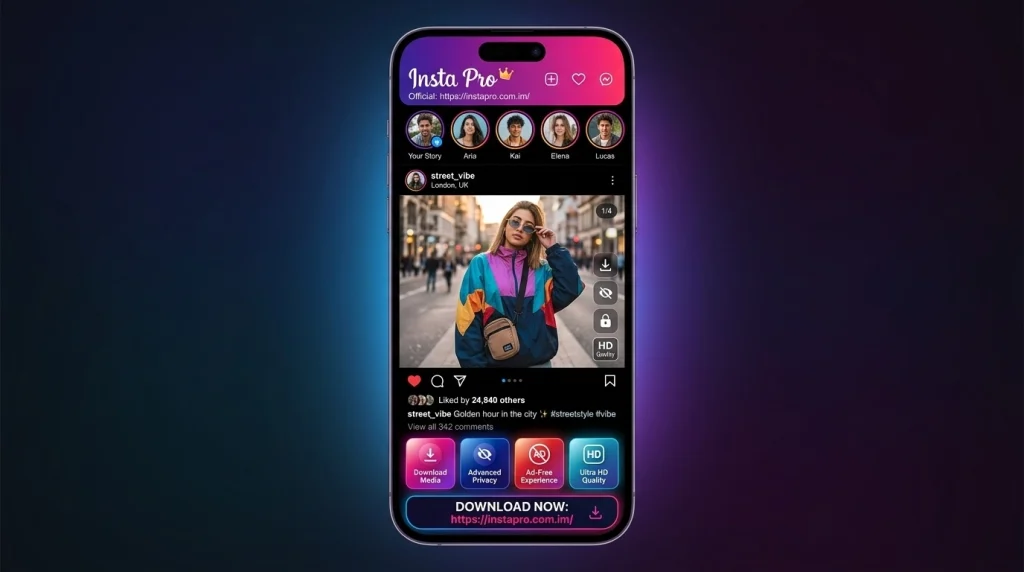
Common Problems With Insta Pro APK Download
Users may encounter problems during Insta Pro 2 or when running a modified application. These issues can result from damaged files, incompatible devices, outdated versions, or application bugs.
Understanding these problems can help you avoid unnecessary risks.
Installation Errors
An APK may fail to install if the file is incomplete or incompatible with your device.
Insufficient storage can also cause installation problems.
Avoid downloading replacement files from random websites. Unknown files may expose your device to additional security risks.
Application Crashes
Some modified applications may close unexpectedly or stop responding.
Possible causes include software bugs, compatibility issues, or insufficient device resources.
Restarting your phone may help identify basic device problems, but it will not resolve every application error.
Login Problems
Instagram may reject login attempts from unofficial applications.
Do not repeatedly enter your password into unfamiliar login screens. Instead, use the official Instagram application or website to access your account.
If you notice unusual account activity, change your password and review your security settings.
Missing Features
Different releases may offer different features.
A tool shown in an online tutorial may not appear in your version. Some features may also stop working after Instagram changes its systems.
Always treat feature claims cautiously.
Best Alternatives to Insta Pro APK
If you want a reliable Instagram experience, consider official tools instead of installing an unofficial application.
These options can help you enjoy social media while reducing unnecessary security risks.
Use the Official Instagram App
The official application supports photo sharing, reels, stories, messaging, and profile management.
It also provides built-in settings for account privacy and security.
You can find it through established app stores.
Use Instagram’s Built-In Tools
Instagram provides options for saving content, managing your profile, and accessing account information.
Depending on the content type and available features, you may be able to save posts or download your own account data.
These tools reduce the need for third-party applications.
Explore Your Phone’s Built-In Features
Your phone may support screenshots and screen recording for personal reference.
Always respect privacy and copyright rules. Do not record or distribute private content without appropriate permission.
Review Your Privacy Settings
Instagram allows users to manage account visibility and control certain interactions.
Review these settings regularly to understand what information you share and who can interact with you.
Official settings generally provide a more reliable experience than privacy features added by unknown developers.
Frequently Asked Questions About Insta Pro APK
Is Insta Pro 3 Free?
Some websites distribute modified applications without charging a download fee. However, free access does not guarantee safety.
Avoid websites that request unnecessary personal information or payment details.
Can Insta Pro APK Download Save Instagram Reels?
Some modified versions advertise additional reel download features. However, availability and reliability depend on the specific release.
Always respect content creators’ rights and obtain permission when necessary.
Is Insta Pro Available for iPhone?
APK files are designed for Android devices. They do not install directly on iPhones.
iPhone users should download Instagram through Apple’s official App Store and avoid unfamiliar installation profiles.
Can Insta Pro Affect My Instagram Account?
Using an unofficial application may create security risks and may conflict with Instagram’s terms.
Instagram can restrict accounts that violate its rules. No third-party developer can guarantee that your account will remain unaffected.
Should Beginners Use Modified Instagram Apps?
Beginners should generally start with the official Instagram application.
It is easier to install, update, and manage through trusted channels. Users can explore its built-in features before considering other options.
Final Thoughts on Insta Pro APK Download
Insta Pro APK download is a common search term for users who want to explore modified Instagram applications and their advertised features.
Some versions may offer extra customization, media downloads, and additional controls. However, unofficial applications can introduce privacy concerns, malware risks, compatibility problems, and account restrictions.
Before installing any APK file, check its source, review its permissions, and consider whether you really need the extra features.
For most users, the official Instagram application remains the safer and more reliable choice. Use trusted installation channels, protect your login details, and keep your device updated.
1 thought on “Insta Pro APK Download Latest Version for Android Sam Mods”